
Rocket Blog
Top Highlights
Category
- Advanced 2
- Apple News 4
- Apple Pros 4
- AppleScript 1
- Article 3
- Artificial Intelligence 4
- Business 2
- Camera Control 1
- Camera app 1
- Explainer 1
- Finder 1
- Hardware 1
- How-To 2
- Mac 3
- Office 1
- Security 17
- Software 7
- Tip 1
- Tips & Tricks 41
- customization 2
- iPad 1
- iPhone 3
- iPhone 16 1
- iPhone 17 1
- iPhone Air 1
- macOS 2
- macOS 26 Tahoe 1
- networking 1
- productivity 3
- security 2
- text 1
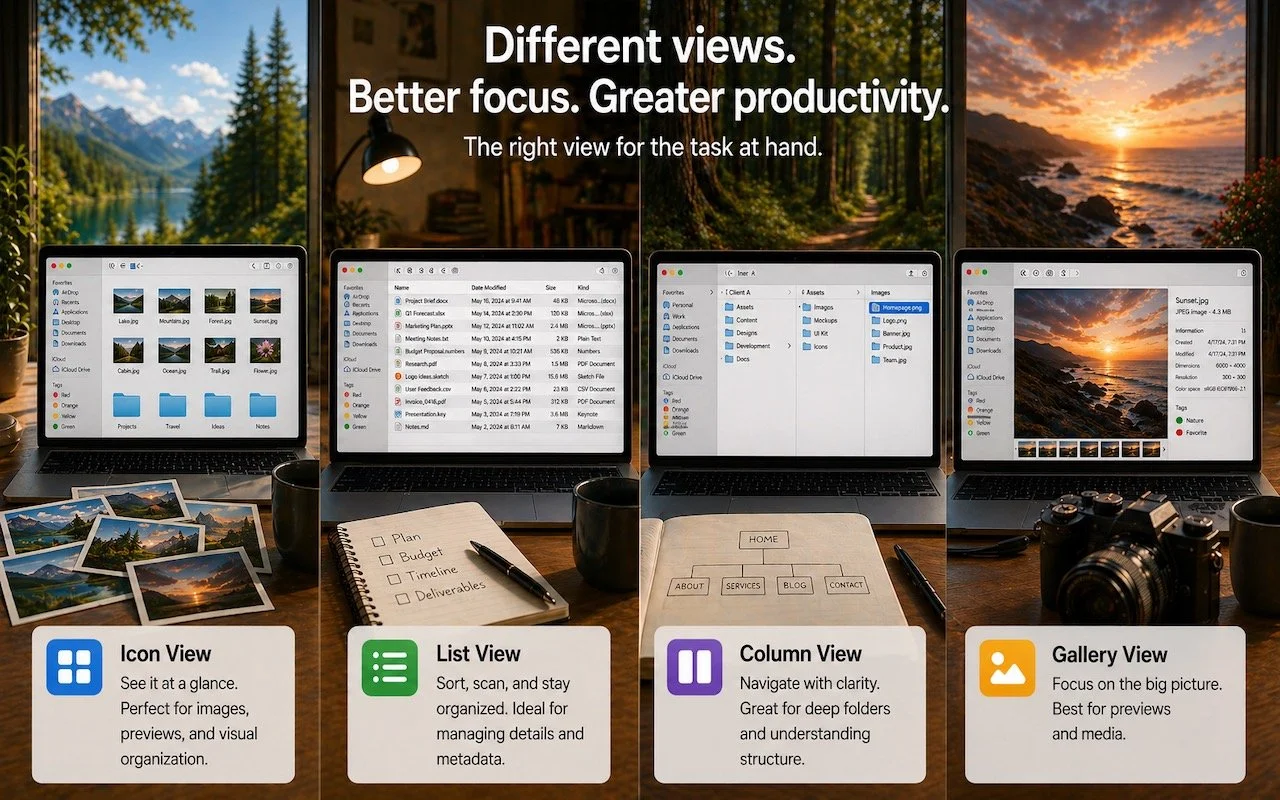
Get to Your Files Faster by Choosing the Best Finder View
If you can work comfortably with the Mac’s four Finder views, you’ll enjoy an easier experience when you try to get to your folders and files. Each view has its pros and cons, so using the best view for the job at hand will make you more productive. Here’s a look at the Icon, List, […]

Customize the Camera Control on Your iPhone
The Camera Control on iPhone 16 and later models lets you open the Camera app and take a photo with the press of a button. But it’s more than just a simple button—it features a touch-sensitive surface that lets you adjust a variety of settings without having to tap the screen. To access the controls, […]

Make Sure Your Home Network Router Is Secure
Securing your home network might seem uninteresting or unimportant—after all, who would bother to target you? The answer is that criminal hackers are interested in your router for a range of disturbing purposes, including attacks on your employer if you connect to a corporate network. It’s time to get serious about home network security, a […]
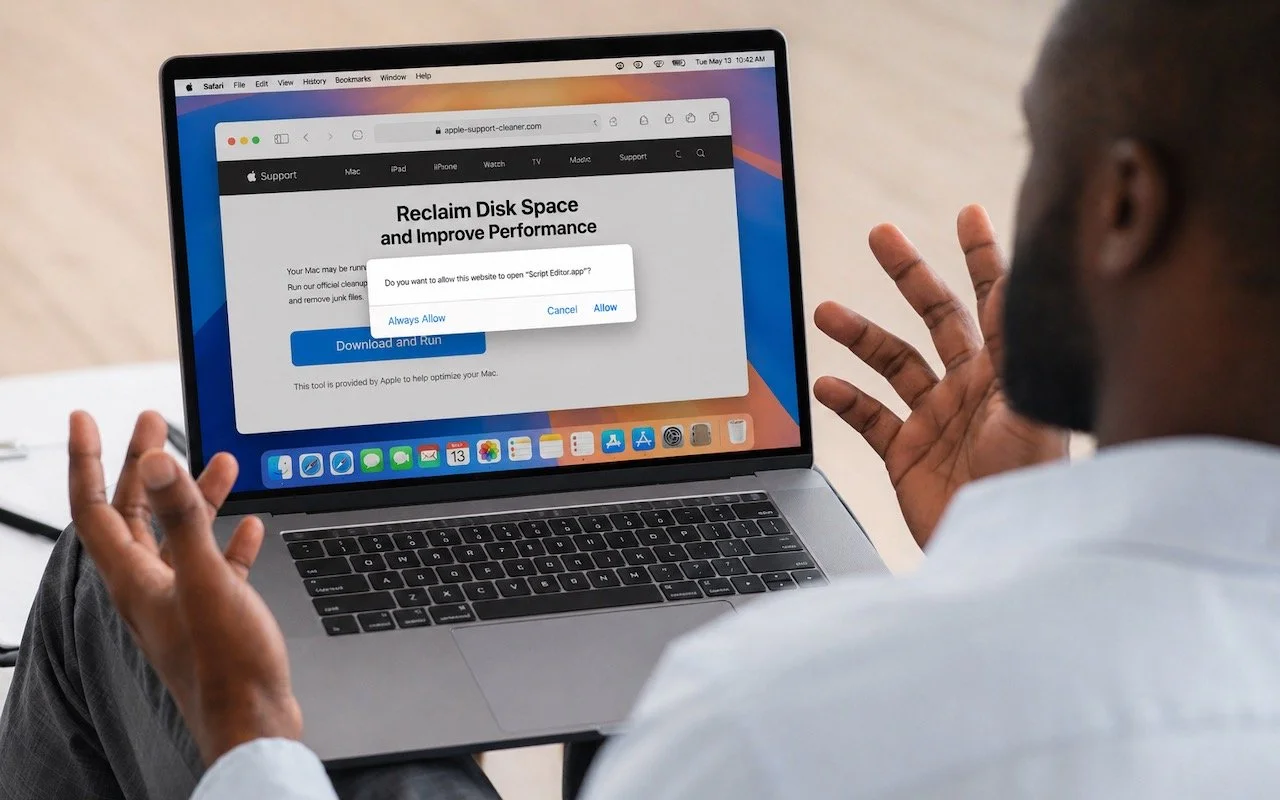
Never Run AppleScripts from Untrusted Sources
The latest scam to watch out for is fake websites that try to get you to open Script Editor directly from your browser with a pre-filled AppleScript. Don’t do this! Security researchers at Jamf Threat Labs documented an attack where a convincing Apple-themed page claiming to help “reclaim disk space” prompted users to allow Script […]
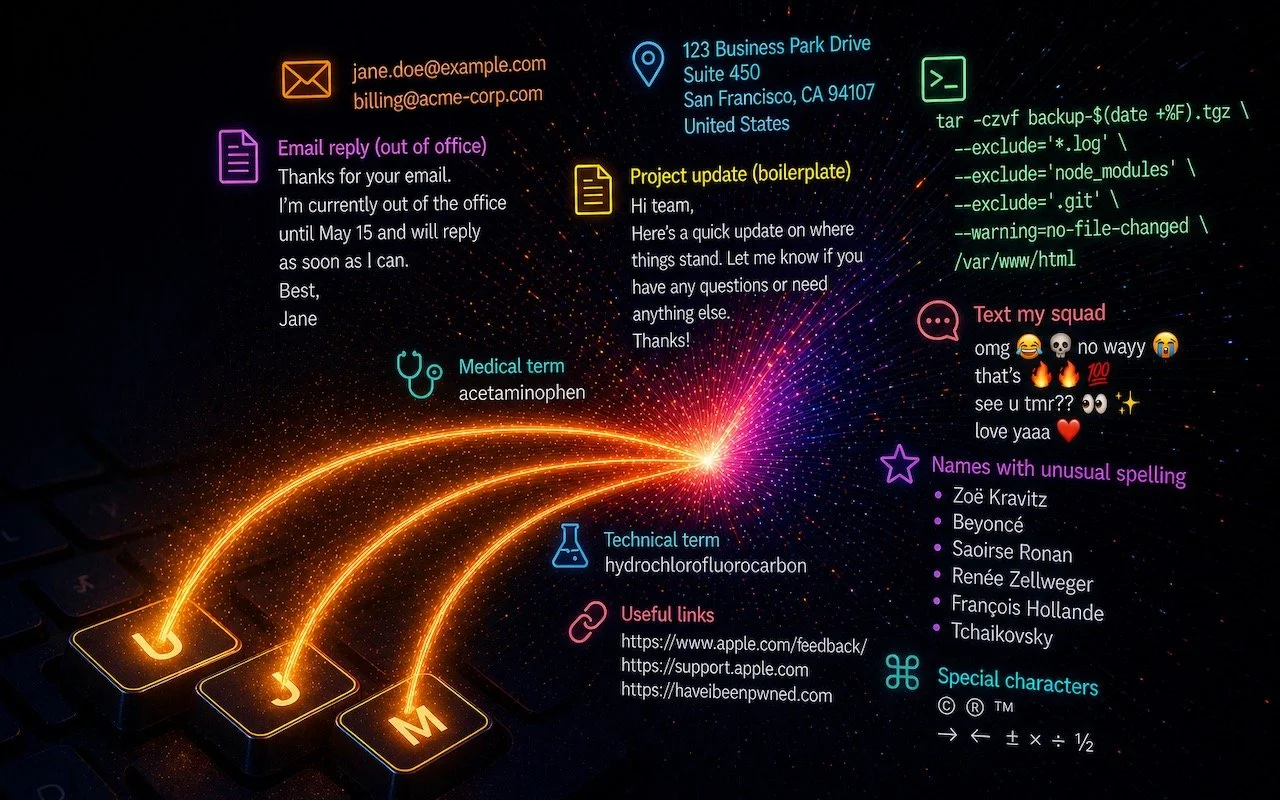
Speed Up Mac and iOS Typing with Text Expansion
Silicon Valley thinks everyone wants to delegate writing to AI, which is why Apple Intelligence constantly suggests replies for you in Messages and Mail. But there’s an excellent way to supercharge your typing speed without sounding like a chirpy chatbot or resorting to teenage texting abbreviations: text expansion. Text expansion speeds up typing words or […]








Be Very Careful with AI Agents!
AI agents like OpenClaw promise to automate tedious tasks, but recent security vulnerabilities highlight the dangers of using them. Learn the risks and how to protect yourself—and your organization—if you choose to use an agent.

What Can You Do With the iPhone’s Action Button? Nearly Anything!
Your iPhone’s Action button can do much more than toggle Silent Mode. Try it for quick translations or voice memos—or explore the many options in Controls and Shortcuts to trigger nearly any action with a long press.

How to Ensure You Don’t Miss Reminders
Apple’s Reminders app offers more than simple notifications—from location-based alerts to the new alarm feature in iOS 26.2, here’s how to make sure you never miss an important task.

Five Invisible Characters That Still Matter in Word Processing and Layout
Spaces, tabs, and returns seem simple—but using the wrong invisible character can wreck your document’s layout. Learn when to use non-breaking spaces, tabs, and soft returns to create cleaner, more professional documents.

Why Your Windows Reopen (Or Don’t) As You Expect
Frustrated when your Mac apps don’t remember their windows—or when they stubbornly reopen old documents? Two little-discussed settings control this behavior. Here’s how Apple’s Resume technology really works.

New Apple Creator Studio Bundles Pro Apps
Apple’s new Creator Studio bundle includes Final Cut Pro, Logic Pro, Pixelmator Pro, and more—plus premium content and AI features in the iWork apps—for $12.99/month or $129/year. Don’t worry—Keynote, Pages, and Numbers stay free for existing features.

Control Song Transitions in Apple Music
Apple’s new DJ‑style AutoMix transitions between songs in the Music app aren’t to everyone’s taste (and sometimes flub the jump). Here’s how to switch back to a timed Crossfade or disable transitions in Music on your iPhone, iPad, and Mac.

Poisoned Chatbot Conversations
Hackers have learned how to poison shared chatbot conversations with malware—and get Google to display them in search results. Never trust step-by-step instructions or Terminal commands from user-generated chatbot pages.